Slow internet at home or in the office is often caused not by the provider but by a poorly chosen or badly placed router. Here is what to pay attention to.
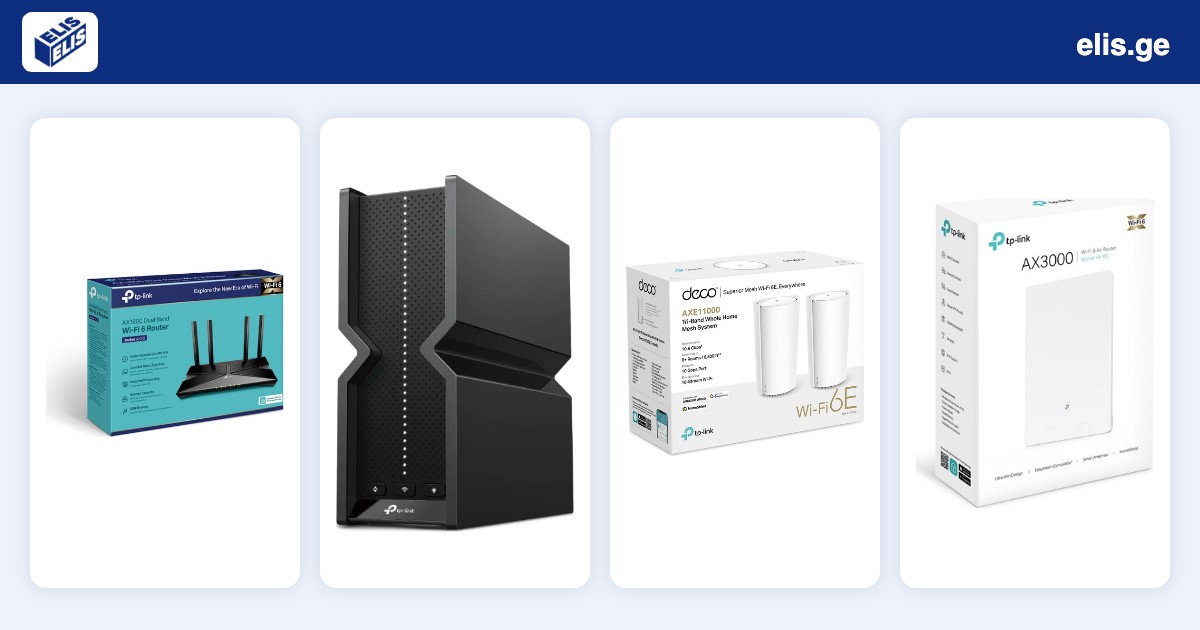
1. Wi-Fi standard: Wi-Fi 5, 6, 6E or 7
Wi-Fi 5 (802.11ac) is older but still enough for simple use. Wi-Fi 6 handles many simultaneous devices better. Wi-Fi 6E adds the 6 GHz band, and Wi-Fi 7 is the newest standard for high speeds.
- For a typical apartment, Wi-Fi 6 is plenty
- If you want future headroom and own compatible devices, choose Wi-Fi 6E or 7
- Your devices must support the standard too, otherwise the benefit is limited
2. Speed and your internet plan
A router cannot exceed your provider plan. With a 100–300 Mbps plan you do not need a very expensive model. With a 1 Gbps plan, make sure the WAN and LAN ports are gigabit.
3. Coverage and mesh systems
One router is enough for a small apartment. For a large or two-storey home, or thick walls, a mesh system is better: several units form one network and devices connect to the nearest one automatically.
- 1–2 room apartment: a single router
- Large apartment or house: a mesh system
- Office: choose a model built for many simultaneous connections
4. Ports, security and placement
If you have a PC, smart TV or game console, a wired connection is more stable, so check the number of LAN ports. Also look for WPA3 support and automatic updates.
Place the router centrally in an open spot, away from appliances and thick walls.
Selected routers from the ELIS catalog
Four popular options for different needs (prices are as of publication and may change).
TP-Link Archer AX20 Wi-Fi 6 router — 209 ₾
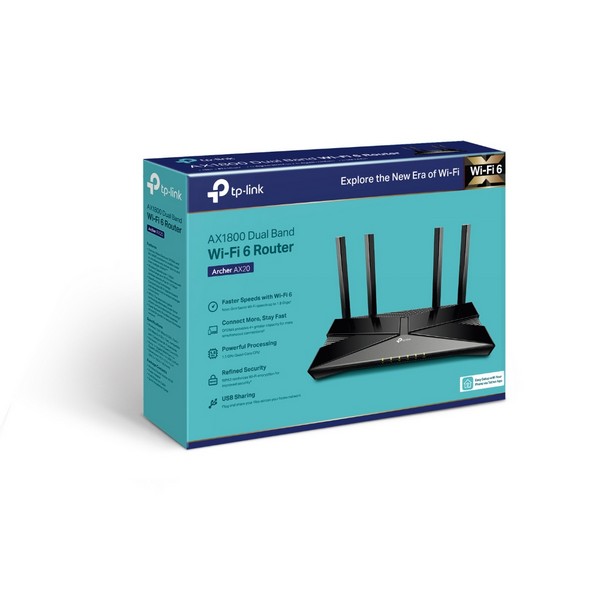
TP-Link Archer AX20 — a Wi-Fi 6 router for apartments, a good choice for everyday use.
TP-Link Archer Air R5 router — 329 ₾
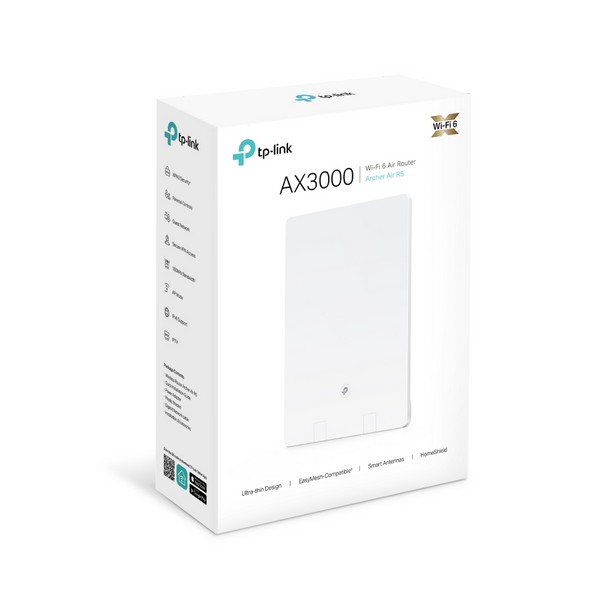
TP-Link Archer Air R5 — a compact option for a simple network. See the product page for detailed specifications.
TP-Link Deco XE200 Wi-Fi 6E mesh system — 1699 ₾
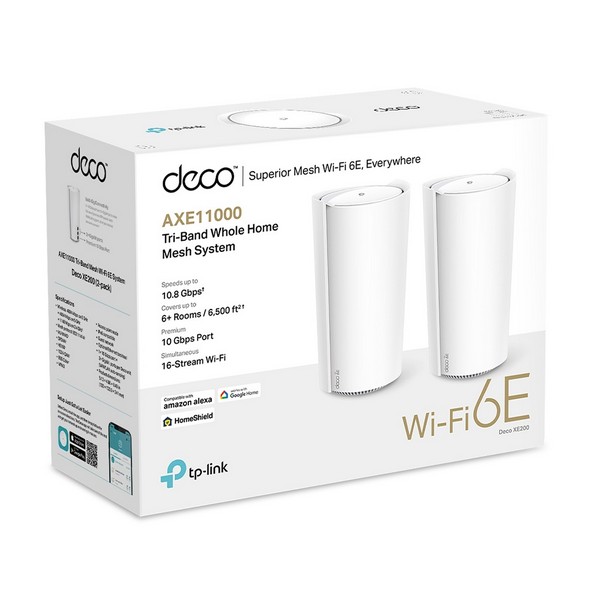
TP-Link Deco XE200 — a Wi-Fi 6E mesh system for large homes or multiple floors.
TP-Link Archer BE700 Wi-Fi 7 router — 719 ₾
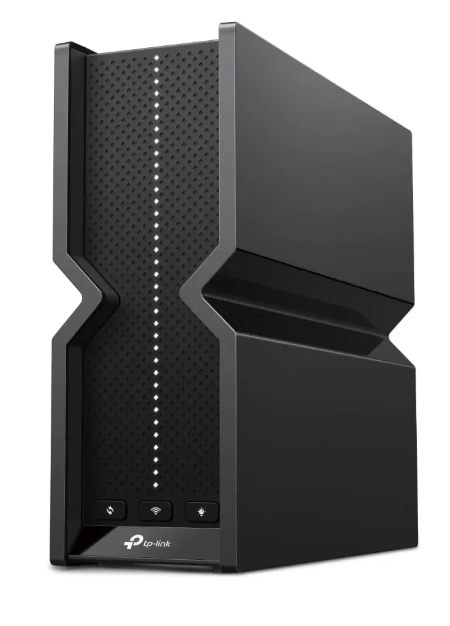
TP-Link Archer BE700 — a tri-band Wi-Fi 7 router for high speeds and future headroom.
Frequently asked questions
Which Wi-Fi standard is best for home?
For most apartments Wi-Fi 6 is enough. Wi-Fi 7 makes sense with a fast plan and compatible devices.
When do I need a mesh system?
When one router cannot cover the whole home: large area, several floors or thick walls.
Does a router increase internet speed?
No, it cannot exceed your provider plan, but a poor router can reduce real-world speed.
See all routers in the ELIS catalog: Routers